



1800 ERPGet demo

Your Business’s
Next Chapter of
Productivity.

Your Whole Business. One Autonomous AI ERP. Let Your Crew Get to Work.

Leave the repetitive work to Bob, Penny, Max, and the crew. From finance to operations, you describe the outcome. Your AI ERP connects the work and prepares the next step.

See 1800 ERP in Action

Meet 1800 ERP
Your Complete Autonomous AI ERP,
Working Together.

An AI crew, a full business application, and one shared understanding of your work. Ask a question, prepare a document, find a record, or build a view. The details stay connected from the first request to the final decision.

Your people keep the direction. Your crew handles the groundwork.
One business. One system. Every team.

One crew everyone can work with:

BobYour coordinator Your AI crew

One request.
The right people on it.

Bob keeps the whole job moving.

“Just tell me what you need.”

Bob understands the outcome, brings in the right specialists, and keeps the context together. One clear conversation takes you from request to result.

INSIDE YOUR WORKSPACEUSD

Actual application · Meridian Industrial Systems

Built for the way you do business

Different industries.
One complete AI ERP.

Illustrated corporate operations, showing budget request, purchasing, finance review, business overviewFrom a department request to the financial picture.
1800 ERP for Corporate

One organization.
Everyone in the picture.

Connect the everyday work across departments. Your crew brings the right records into the conversation, with company context and approvals kept in view.

YOUR CONNECTED MODULES
  1. 01Budget request
  2. 02Purchasing
  3. 03Finance review
  4. 04Business overview

Your work doesn’t stop at a module boundary. Your AI ERP shouldn’t either.

All those handoffs ARE YOUR BUSINESS.
1800 ERP brings them into one conversation.

Get demo

Finance

The everyday work

An invoice arrives. Someone finds the supplier, checks the amounts, and copies the same details into another screen.

With 1800 ERP

Ada finds the records. Penny prepares the document. Max makes the approval clear. You review the work in one place.

Sales & CRM

The everyday work

Customer details live in records, conversations, and reports. Getting the full picture takes another round of searching.

With 1800 ERP

Ask for the customer. Bring the relevant records into the conversation and follow the detail behind the next decision.

Inventory

The everyday work

Purchasing, items, and stock are connected in the business. The context gets lost when the work moves between teams.

With 1800 ERP

Work with products, suppliers, stock records, and purchasing in one shared system, with the crew helping you find what matters.

People & Projects

The everyday work

A simple operational question becomes a search across departments, documents, and separate updates.

With 1800 ERP

Give your team a common place to ask, explore the records, and keep the work moving with the context that fits their role.

Reports & Analysis

The everyday work

You have the numbers. Finding the right report, understanding the pattern, and explaining it takes time.

With 1800 ERP

Iris brings reports and financial context into the conversation. Explore a chart, inspect a balance, and open the record behind it.

Your Way of Working

The everyday work

The same screen doesn’t answer every question. Teams need views that fit the decision in front of them.

With 1800 ERP

Ask Kit for a dashboard preview. Refine the view, connect useful details, and keep the full application within reach.

1800 ERP Platform

The Intelligence and the Application.
Finally, in the Same Place.

Your crew can understand a request, work with business records, prepare the next action, and show the result. The full application stays alongside the conversation.

Capability1800 ERPYour AI
Conversation
Your Full
Application
Your Shared
Business Context
Getting startedDescribe the outcomeOne natural requestOpen the workspaceCompany and role context
Finding informationThe right records, togetherAsk Ada to find itSearch and inspect recordsCustomers, suppliers, products
Financial workPrepared for your reviewPenny prepares the detailsFull accounting viewsConnected financial records
Making changesA clear decisionReview the proposed actionInspect the exact documentExplicit approval and access
Understanding resultsAnswers you can inspectAsk Iris about the numbersCharts, reports, and detailThe records behind the answer
Making it yoursA view for your questionDescribe a dashboard to KitExplore the generated previewYour business, your context
The AI ERP That Grows With You

Every 1800 ERP
Workspace Includes

ONE SHARED BUSINESS CONTEXT

Every team. The same understanding.

The conversation, the records and the next step stay connected.

↗Sales

Customers & orders

Customer records
Orders & commitments
⌘Operations

People, products & work

Stock & production
Projects & people
≋Finance

Documents & decisions

Invoices & payments
Reports & insights
One business. One shared context.
An Autonomous AI Crew

The Team That
Takes Work Forward

Describe the outcome. The crew connects the steps.

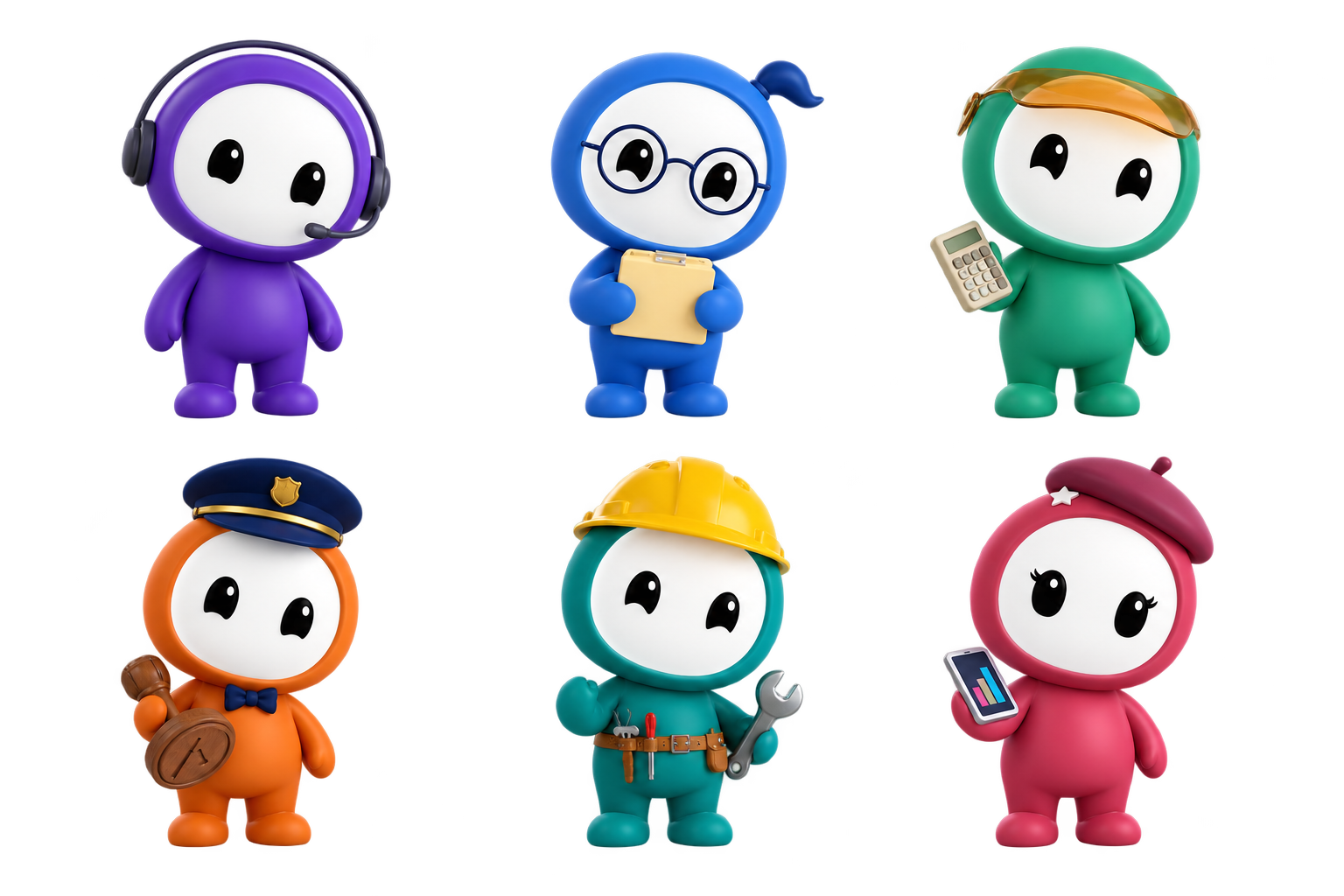
Bob coordinates the specialists. Ada finds the facts. Penny prepares the financial work. Max keeps approvals clear. Kit shapes views, and Iris brings the numbers into focus. Six roles, one shared business context.

1800 ERP/AI crew···
One request. A coordinated response.
Illustrative workflow
The Full Business Application

Every Detail,
Still Within Reach

A conversation when it’s easy. The full record when it matters.

Go from a quick request to a detailed application view. Customers, suppliers, items, documents, and reports remain accessible, so you can inspect the work and understand exactly what happens next.

1800 ERP/Business records···
The answer, and everything behind it.
Illustrative workflow
Financial Work, Connected

The Numbers,
Already Together

From the first question to the financial picture.

Work with invoices, payments, journal entries, and financial reports in one system. Ask the crew to prepare a document or explore a balance, then review the underlying details before moving ahead.

1800 ERP/Finance···
From a document to the full picture.
Illustrative workflow
Business Voice

Your Business
Speaks Your Language

Say what you need. Give the crew the context.

Turn a voice note into a clear business request. Review the transcript, add the detail, and continue the work in the same conversation. A natural way into a complete business system.

Business Voice●

“Show me our outstanding invoices,
and break them down by customer.”

Bob
BobA clear request. The right crew on it.
Narrated sample · No microphone needed
Deep Business Intelligence

Your Business,
In Clearer Focus

Ask the question behind the chart.

Explore outstanding invoices, revenue, expenses, and the records behind them. Iris helps you find the useful view, so the numbers become something you can understand and act on.

1800 ERP/Business intelligence···
A useful answer. With the detail attached.
Illustrative workflow
Flexibility Built In

An ERP That Fits
The Way You Work

The view you need, for the decision in front of you.

Ask Kit for a dashboard preview. Move between conversation, charts, reports, and detailed records. Keep your company context, role-based access, and reviewable decisions together.

1800 ERP/Your workspace···
A view shaped around your question.
Illustrative workflow

⌁ Your whole business stays in view. The crew does the groundwork.
You keep the context, the detail, and the final say.

Migrator · Powered by OneSage

Your next chapter.
Your records,
coming with you.

Move into 1800 ERP with a clear plan. Inspect your source, choose the record types you need, and review the outcome before you approve the move.

Meet the Migrator
A GUIDED PATH INTO 1800 ERP
“Let’s make your
next move clear.”
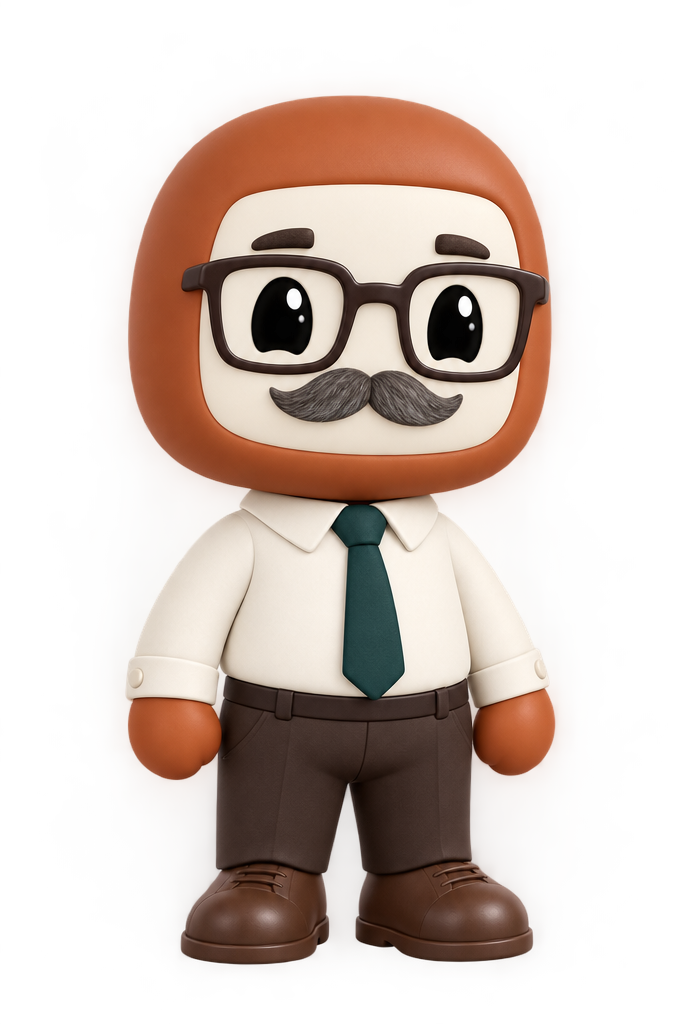
Your copper-coloured Migration Expert, wearing glasses and a tie
Your Migration ExpertGuidance at each step
Your existing systemConnection or supported backup
A plan you can reviewYour records. Your choices. Your approval.
1800 ERPYour new business workspace

A new home for your everyday work.Bob, Ada, Penny and the crew are ready to help.

  1. 01

    Connect & inspect

    Connect a supported system or inspect an ERPNext backup to see what is available.

  2. 02

    Choose your records

    Select record types and review how their fields and relationships will fit.

  3. 03

    Review & approve

    See the expected outcome, resolve choices, and approve the exact changes.

  4. 04

    Follow the progress

    Return to saved progress, review results, and open your migrated records.

Move the records you approve. Customizations, exceptions and remaining work stay visible for review.

One connected application

Every part of your business.
Every detail, connected.

Explore the modules behind your AI ERP.

Explore all modules
Less Busywork. More Business.

What work looks like
with 1800 ERP.

One request. Follow it all the way through.

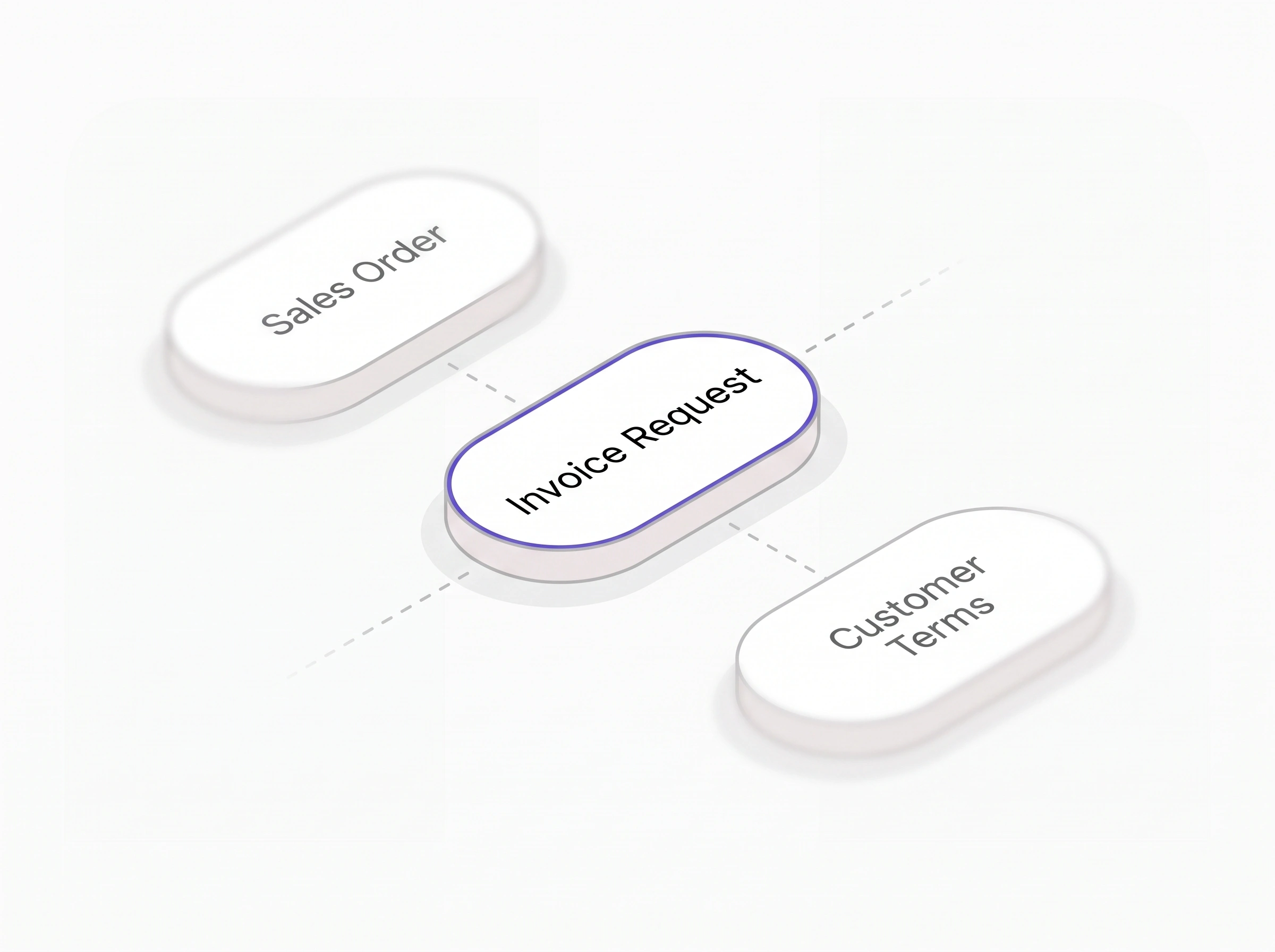
STEP 01 · ASK

Start with the outcome.

Type a request, attach a document, or use Business Voice. Give the crew your intent and the business context.

“Prepare the invoice for this order.”

Bob“I’ll bring the right crew in.”

An invoice request with its sales order and customer terms.
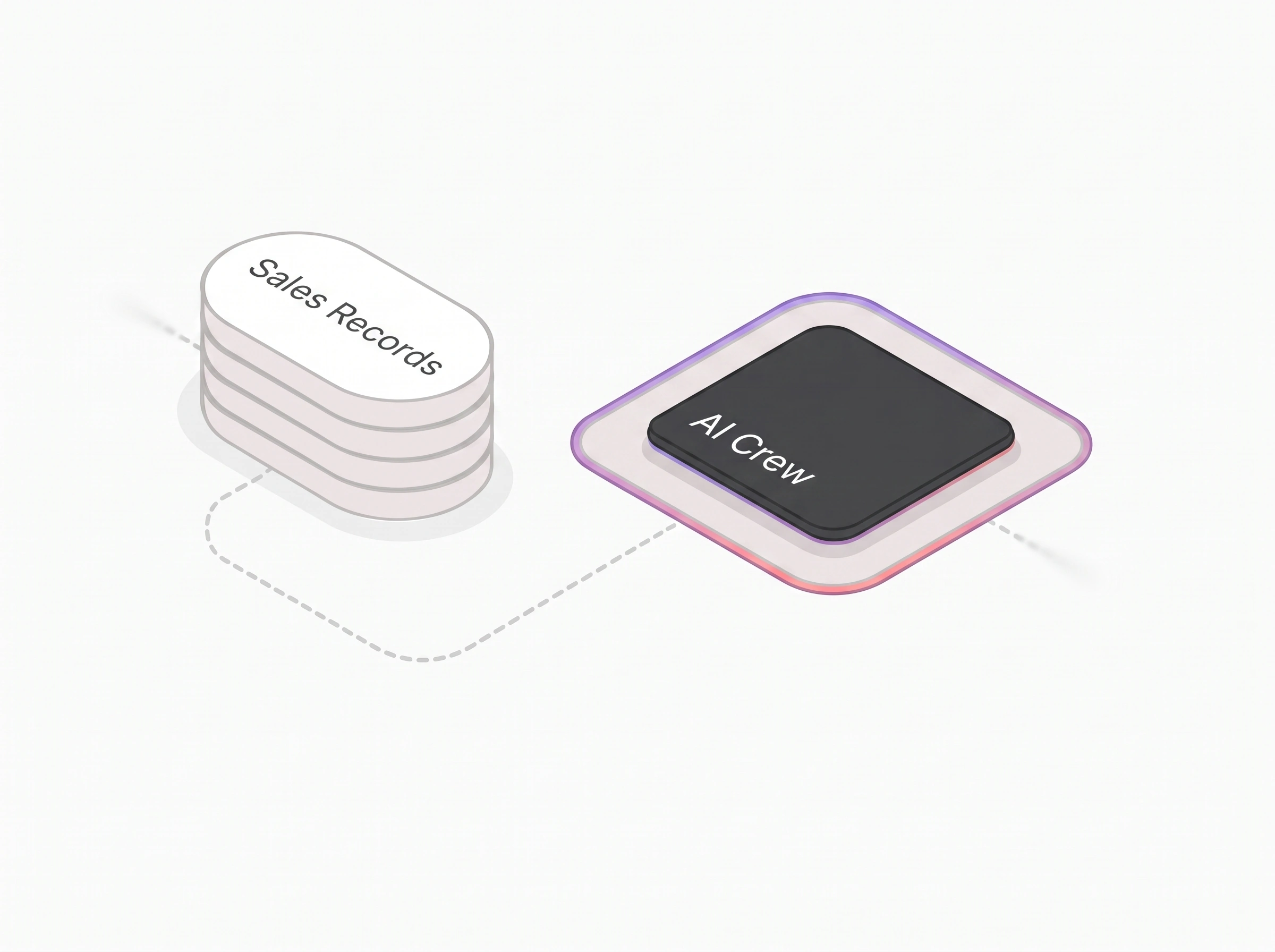
STEP 02 · COORDINATE

The specialists get to work.

Bob connects the steps. Ada finds the records, while Penny prepares the financial details. Everyone works from the same context.

“Use the customer’s agreed terms.”

Penny“The records and amounts are connected.”

Sales records connected to the AI crew.
STEP 03 · REVIEW

See the action. Keep the say.

Max puts the proposed action in front of you. Inspect the document and approve consequential changes when you are ready.

“Let me review the details first.”

Max“Here is exactly what will change.”

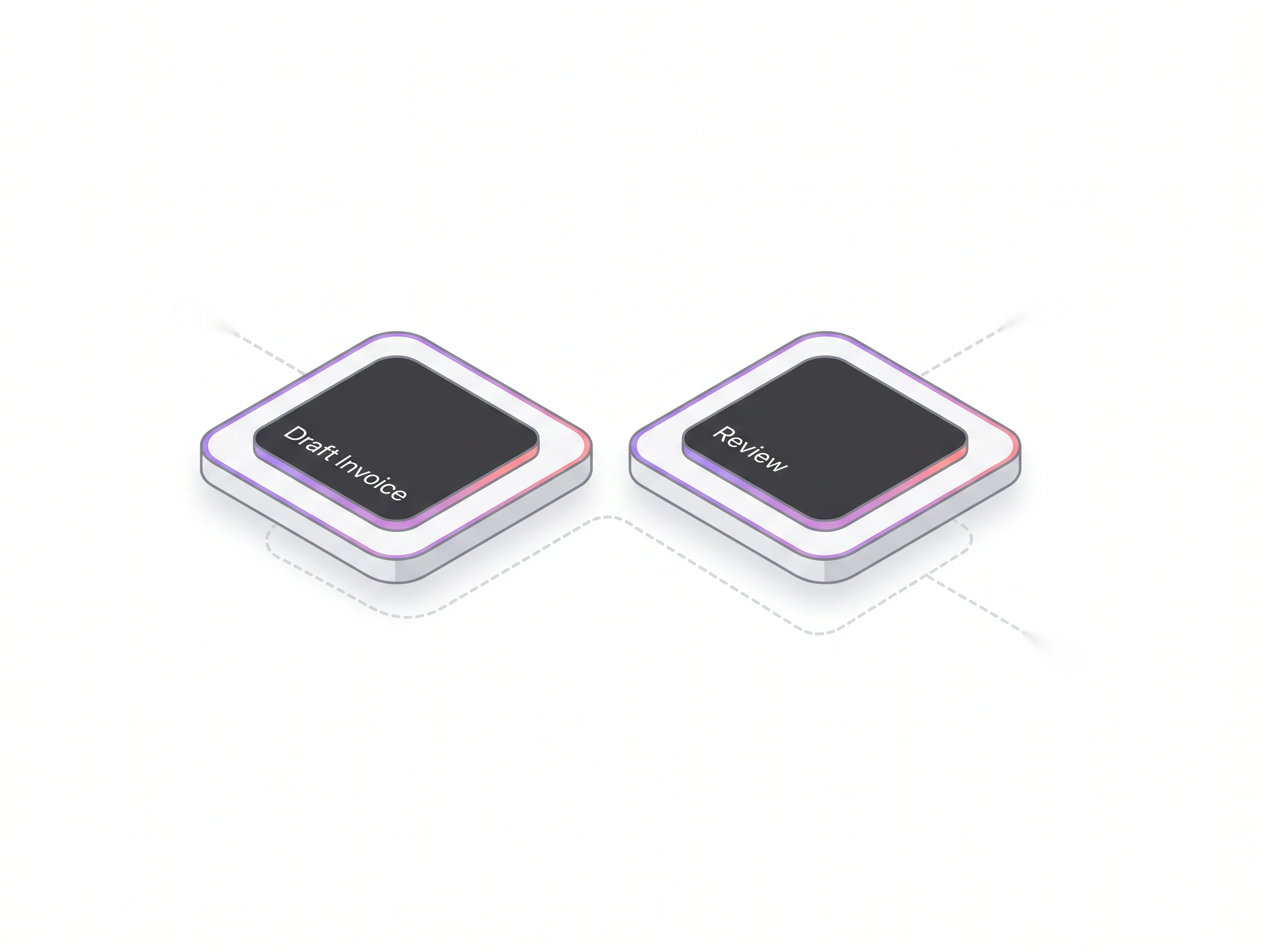
A draft invoice connected to a review step before approval.
STEP 04 · EXPLORE

Follow the bigger picture.

Ask Iris about the numbers or Kit for a useful view. Go from an answer to the underlying records without losing the conversation.

“How does this affect our receivables?”

Iris“Let’s look at the numbers behind it.”

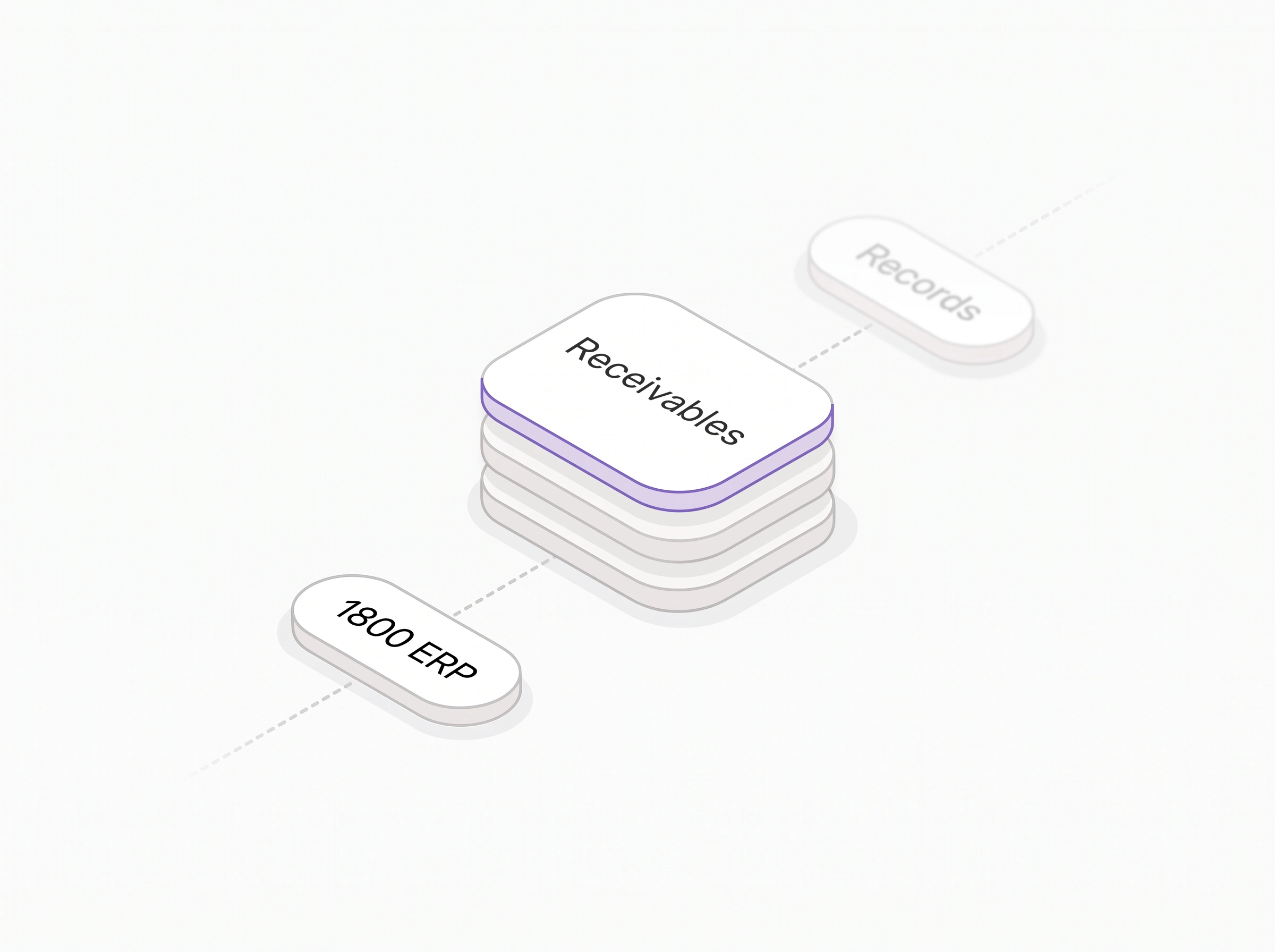
1800 ERP receivables connected to their underlying records.

The work moves forward.
The context stays with you.

Built Around Your Business

Your Whole Business,
Working as One.

Start with a question. Connect the everyday work. Expand the useful views. 1800 ERP keeps your people, operations, and intelligence in the same context.

One Conversation

Give the crew a clear request. Keep the question, context, and next step together.

One Crew

Specialists share the groundwork across records, finance, approvals, views, and analysis.

One Application

Every chart, record, and document stays within reach when you need to go deeper.

One Connected System

For corporate teams, services, distribution, retail, and manufacturing. Your ERP, working with you.

Got Questions

FAQ

Can I bring my existing records into 1800 ERP?

Yes. Migrator lets you connect a supported source or inspect an ERPNext backup, choose record types, review the proposed outcome, and approve the exact changes. Your Migration Expert offers guidance along the way. Source compatibility, customizations and any remaining business checks stay visible for review.

What makes 1800 ERP an AI ERP?

A coordinated AI crew works inside the business system itself. You can ask questions, find records, prepare documents, explore reports, and create dashboard previews through one conversation, with the full application alongside it.

Do the agents make changes without me?

The crew prepares the work and makes the next action explicit. Consequential changes stay reviewable and require approval. You can inspect the document, ask for a revision, or decline the proposed action.

Is 1800 ERP only for manufacturing?

No. 1800 ERP is designed around connected business functions: finance, sales, inventory, people, and operations. The site shows corporate, services, distribution, retail, and manufacturing use cases.

Can I still use the actual application?

Yes. Conversation and the full application work together. Open records, reports, and detailed views directly. The product tour on this page also includes an interactive copy of the application using sample data.

Can I talk to 1800 ERP?

Business Voice lets you turn a voice note into a transcript and a request for your crew. The voice example on this page is a narrated sample; it does not activate your microphone.

Are the numbers in this demonstration real company data?

The product screens and interactive application use sample data. They show the actual interface and illustrative workflows without connecting to a production company.

Ready to Put Your
Business in Motion?

Meet your crew. Explore the application. See a new way to work.

Get demo
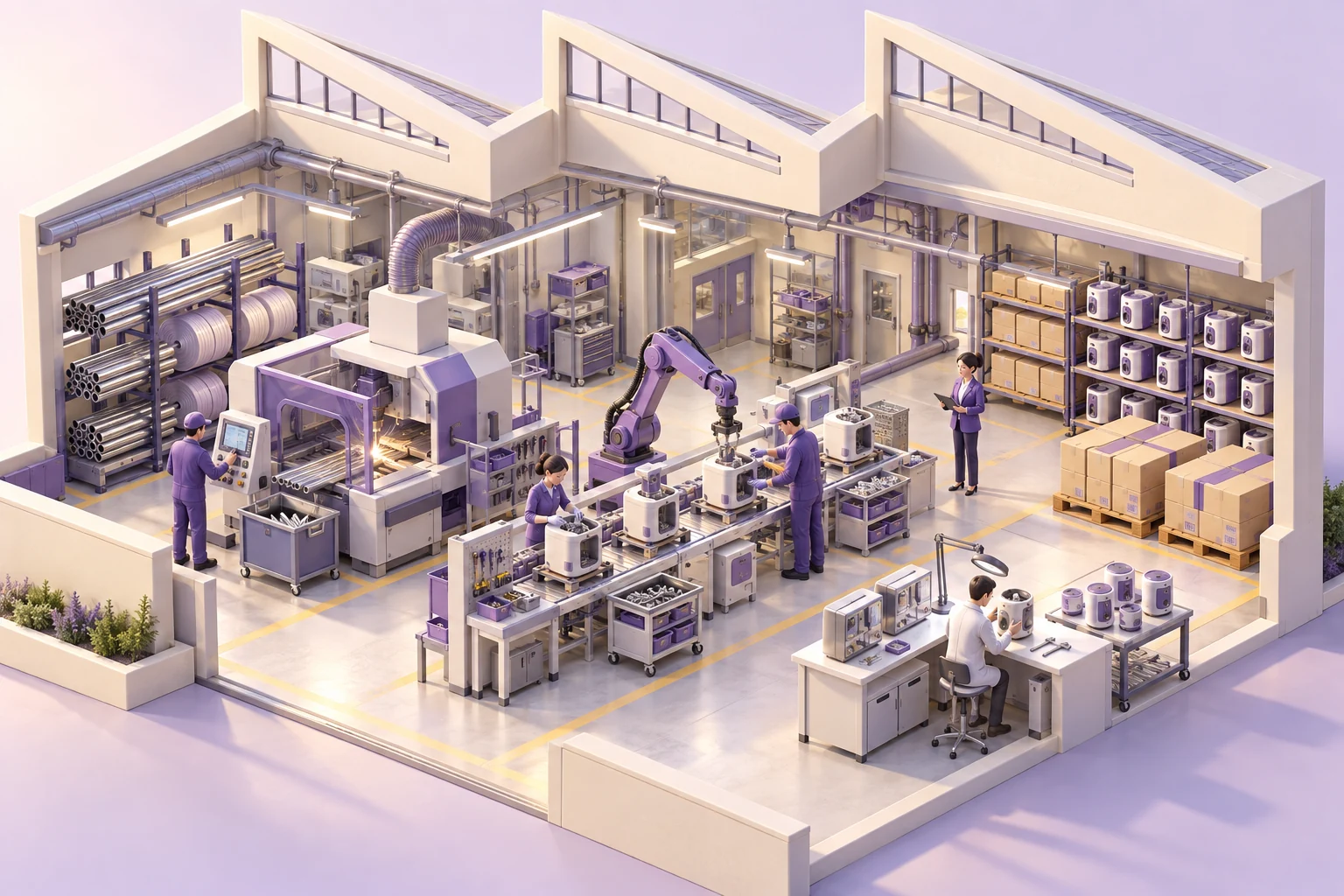
An illustrated purple business campus at golden hour
Meet 1800 ERP

A real application. Ready to explore.

Product introduction.

Read the introduction transcript